
HP 430 G6 BACKLIT KEYBOARD
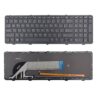
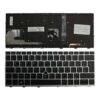
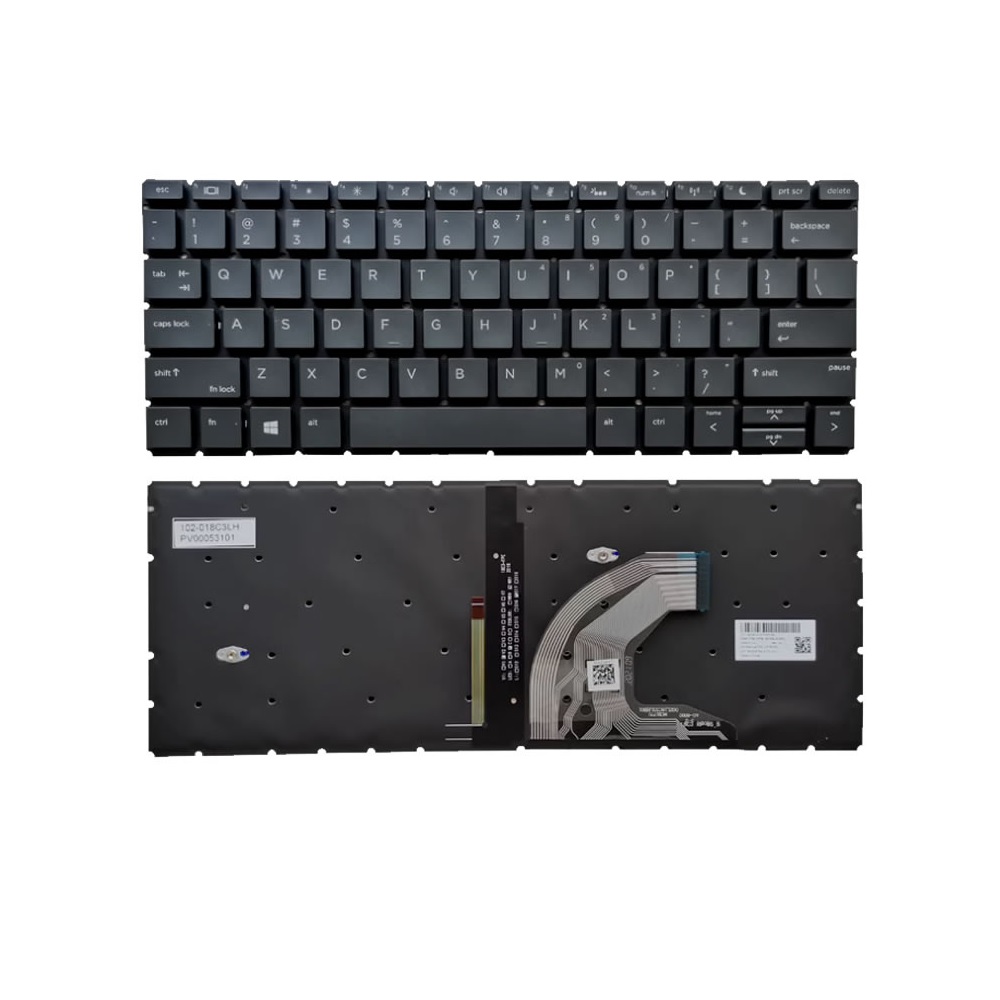
New Backlit Keyboard for HP ProBook 430 G6 430 G7 L44548-001 L44547-001
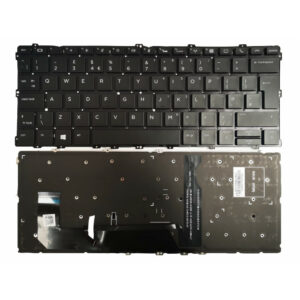
This is a new keyboard for the HP ProBook 430 G6 and ProBook 430 G7. It is compatible with the HP L44548-001 and L44547-001. It is a keyboard only, without the top cover.
Important! Before purchase
– Please compare it with your Keyboard.
– Check to see if the ribbon at the back of our keyboard looks the same as the one on yours
– Make sure the key pattern on the advertised image matches the one on yours.
– If you are not sure about the exact keyboard please, contact us. We will get back to you as soon as possible.
– You can also check for compatibility, because some keyboards may work for multiple laptop models.
– Damage can be caused by water, coffee, or external mechanical damage
Replacement Tips:
1. Before replacing the keyboard, please remove the bottom cover and disconnect the battery connector from the motherboard.
2. Remove the two Phillips M2.0×5.0 screws that secure the bottom cover and loosen the five captive Phillips screws.
3. Remove all screws securing the motherboard, and disconnect all cables that connect to the motherboard.
4. To replace the keyboard, you need to remove most parts of the laptop, such as the bottom cover, battery, motherboard, etc.
5. Remove all screws securing the keyboard to the top cover. Then, you can remove the keyboard from the top cover.
5. Replacing the keyboard is difficult. You should not replace it yourself to avoid damaging the laptop or making it unable to boot due to incorrect operation.
The image provided here is only for reference purpose. Actual product packaging and materials may contain more and different information than what is shown on our website. We recommend that you do not rely solely on the information presented here and that you always read labels, warnings, and directions before using a product.
Reviews
There are no reviews yet.